
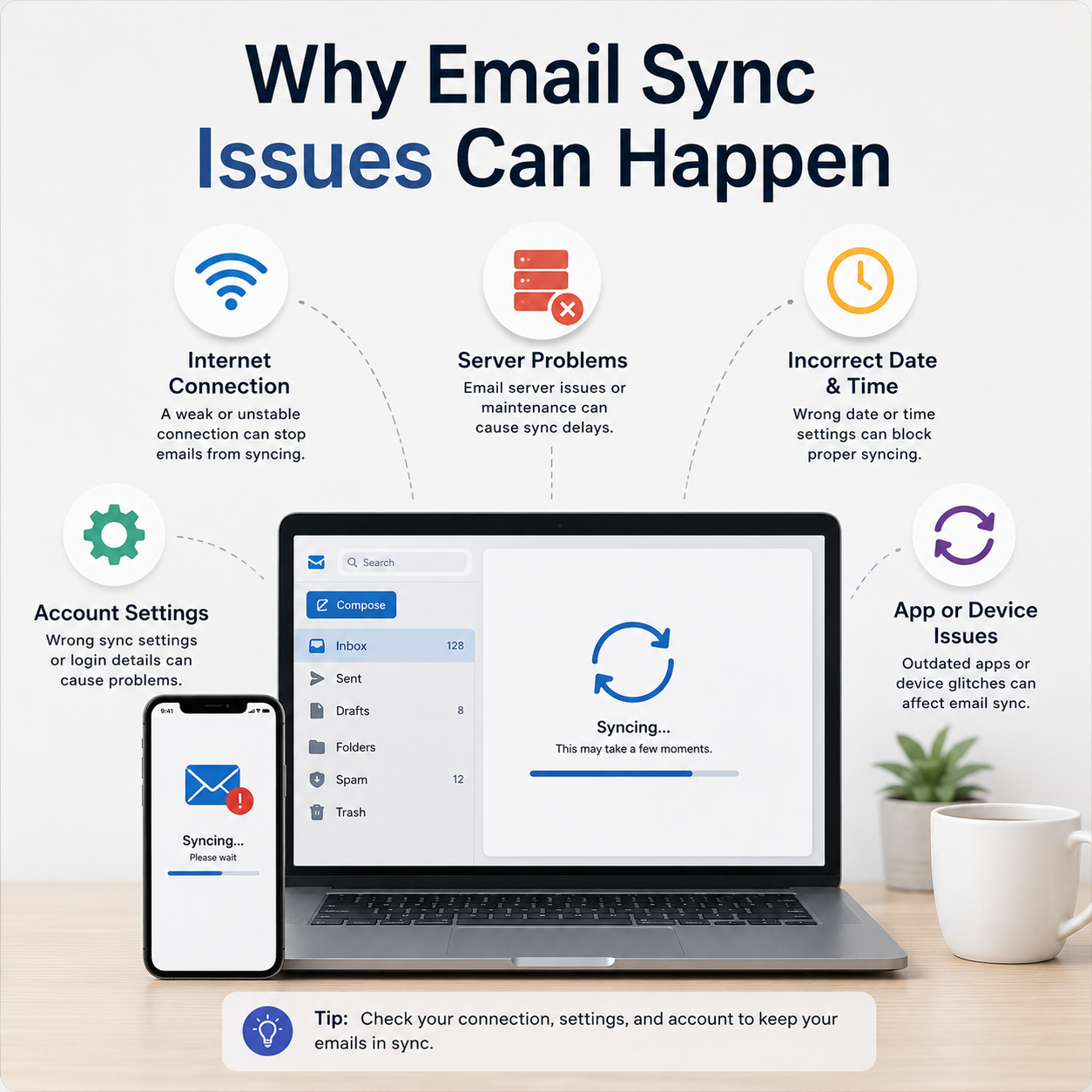
Why Email Sync Issues Can Happen
Understanding the "invisible" connection between your device and the mail server.
What is your app saying?
Common visual warnings you might see in Outlook, Gmail, or Apple Mail.
Stuck "Syncing" Icon
The refresh circle just keeps spinning without showing new mail.
"Password Required"
The server has rejected your token and needs you to re-authenticate.
Syncing is like a continuous conversation between your phone and the email server. When this conversation is interrupted, you stop receiving new messages, or your sent items get stuck in the "Outbox."
The Outbox Trap
"If you see a number next to your 'Outbox' folder, it means your email is trying to leave your device but can't find the exit. This is a clear sign of a sync failure."
Why it pauses
- Authentication Tokens: For security, servers frequently "expire" your login. You might need to just sign out and back in.
- Storage Limits: If your mailbox is full, the server will stop syncing new data to prevent errors.
- Large Attachments: A single 25MB file can "clog" the sync pipe, stopping all other messages from moving.
Understanding the Sync Flow
Verify Server Access
Try logging in through a web browser first. If it works there, your password is fine and the issue is only with the app on your device.
Reset Sync Settings
Toggling "Sync" off and then back on in your account settings forces the app to re-download the folder list from the server.
Frequently Asked
Why are my emails in the Trash?
Incorrect "Rules" or another device (like an iPad) might be set to delete messages after they are read.
Does a full phone slow down email?
Yes, if your phone has zero storage space left, the email app cannot download new messages to show you.