
Common Reasons a Computer May Feel Slow
Understanding why your PC is lagging and how to recognize the bottlenecks.
What is your PC doing?
Match your experience with these common performance symptoms.
Long Startup Time
The computer takes minutes to reach the desktop after turning it on.
Laggy Cursor
The mouse movement feels jerky or delayed when clicking on apps.
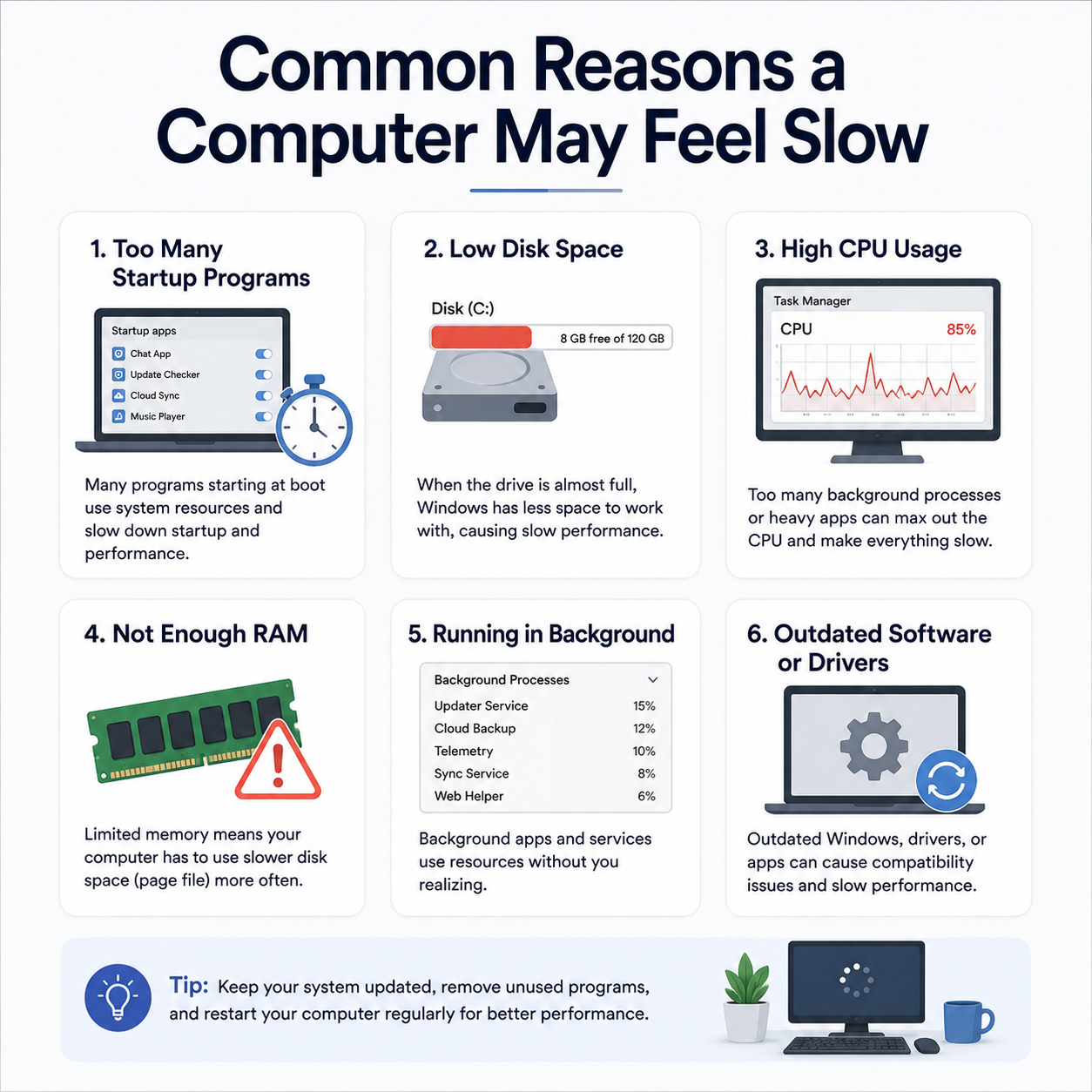
A slow computer is rarely caused by one single thing. It's usually a combination of "resource leaks"—where multiple programs are fighting for a limited amount of memory and processing power.
The "Background" Crowd
"Every app you install wants to be 'helpful' by starting when the computer turns on. When 20 apps all try to start at once, they clog the system's brain, making it feel sluggish for the first 10 minutes."
Common Bottlenecks
- Low RAM: If you have 20 browser tabs open, your RAM (short-term memory) gets full, and the PC starts using the slow hard drive instead.
- Disk Clog: A Hard Drive or SSD that is more than 90% full cannot "think" properly because it has no room to move temporary files.
- Heat Throttle: If your PC is dusty, it gets hot. To prevent melting, the system intentionally slows itself down to cool off.
Identifying the Solution
Check Task Manager
Press Ctrl+Shift+Esc. Look for any app using more than 20-30% of your CPU while you aren't using it. These are "resource hogs."
Manage Startup Apps
Disabling apps in the "Startup" tab of Task Manager can often cut your boot time in half.
Frequently Asked
Does a virus make a PC slow?
It can, but today, "bloatware" (unnecessary pre-installed apps) is a much more common cause of slowness.
Should I use "PC Cleaners"?
Most free cleaners do more harm than good. Win already has a built-in "Disk Cleanup" tool that is safer.