How to Connect a Printer to Your PC
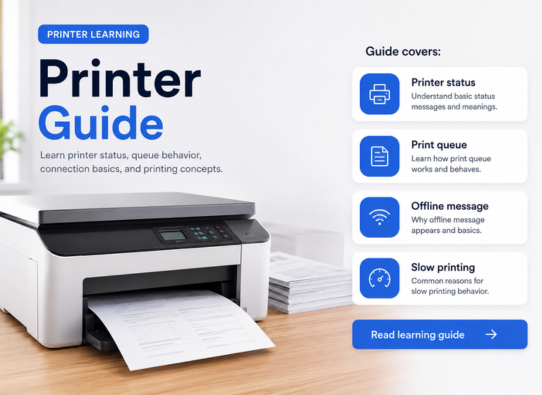
Learn how printer connection usually works through USB, Wi-Fi, printer settings, print queue, and basic device detection.
Knowledge Library
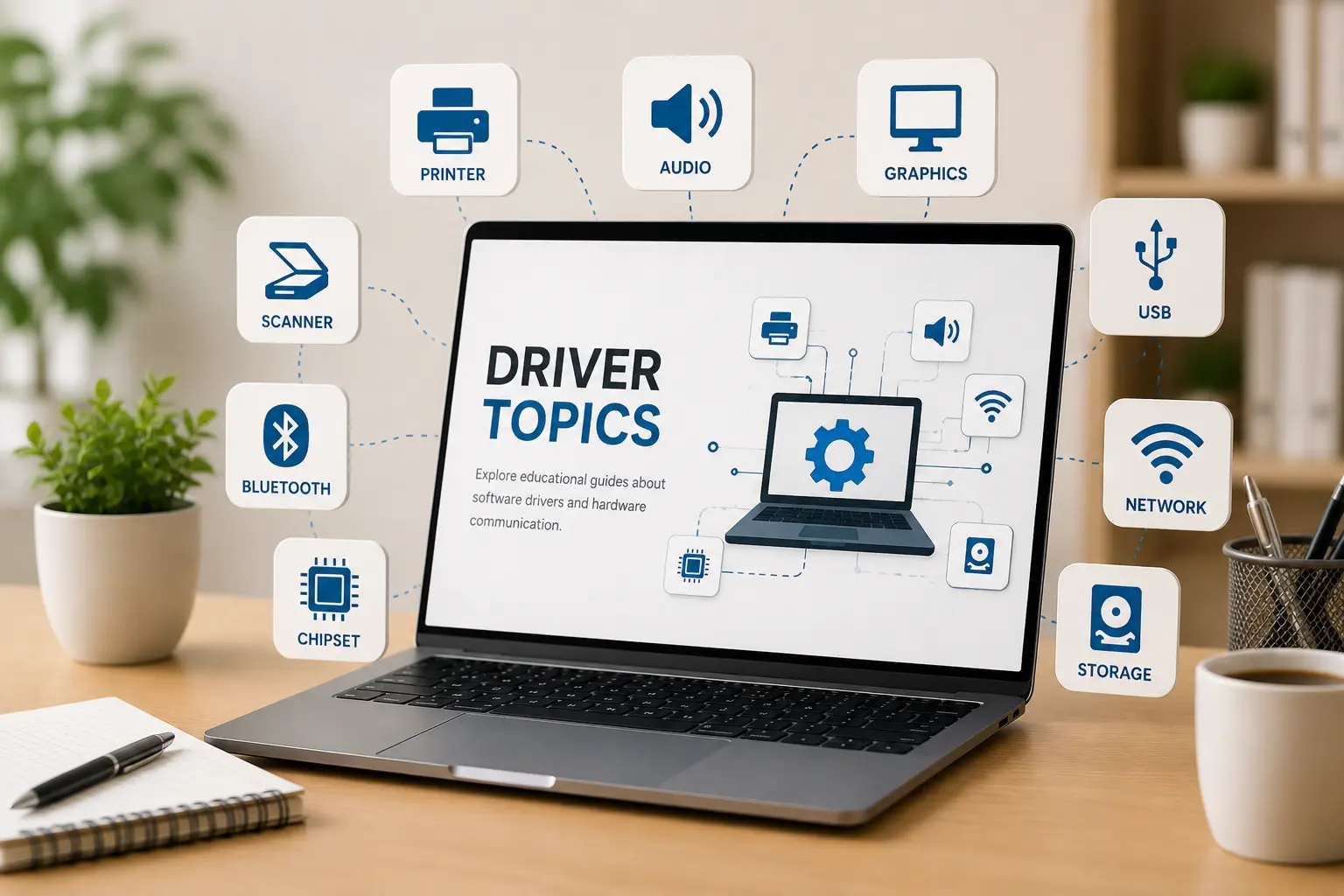
Browse clear educational guides about software drivers and how printers, audio devices, graphics, USB, network, Bluetooth, chipset, storage and other hardware work with your computer.
Driver topics
Driver categories explained in simple words.
Simple topic flow for beginner learning.
Understand hardware and operating system communication.
Practical learning guides
Learn what common driver, printer, Wi-Fi, email, and update topics mean in a clean educational format.
Learn how printer connection usually works through USB, Wi-Fi, printer settings, print queue, and basic device detection.
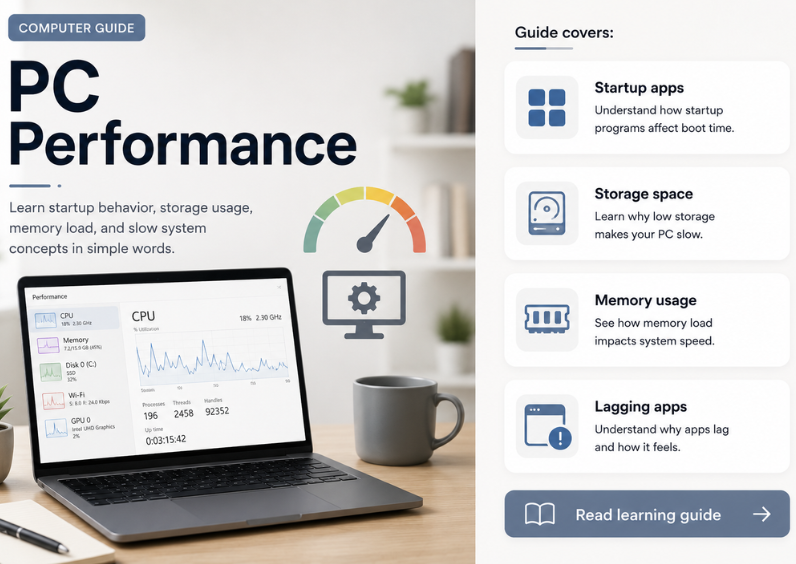
Understand why drivers are used, how they help hardware communicate with the computer, and when driver-related issues may appear.
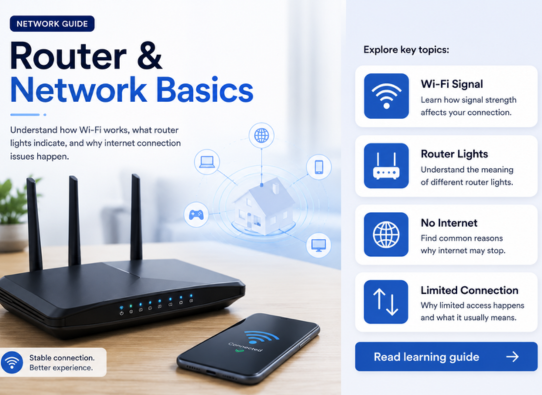
Learn common router and Wi-Fi basics such as signal strength, router lights, connection drops, and limited network messages.
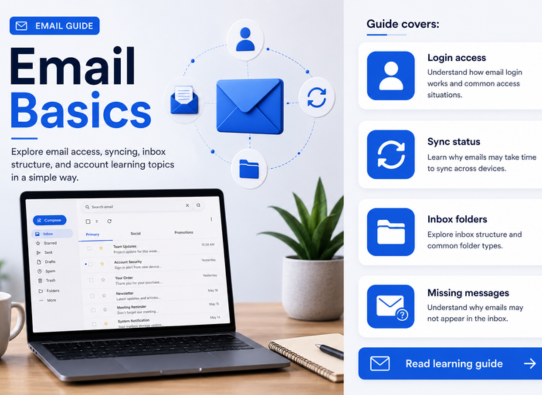
Explore how email accounts, inbox folders, syncing, login access, and missing messages are commonly understood.
Learn about update status, restart cycles, error messages, and what these update screens generally mean.
Topic Preview
Learn what different driver categories do and how they support computer hardware communication.
Printer, audio, scanner, webcam, and display-related learning topics.
WiFi, Ethernet, Bluetooth, USB, and connected device communication basics.
Chipset, storage, BIOS, UEFI, and motherboard-level driver concepts.
Keyboard, touchpad, mouse input, gestures, and basic control behavior.
Learning Path
Select a driver category such as printer, audio, USB, Bluetooth, chipset or storage.
Learn the meaning, purpose, and role of that driver in simple language.
See how hardware devices and operating systems communicate through driver software.
Move to related driver topics and build your understanding step by step.